



Start with a solo round
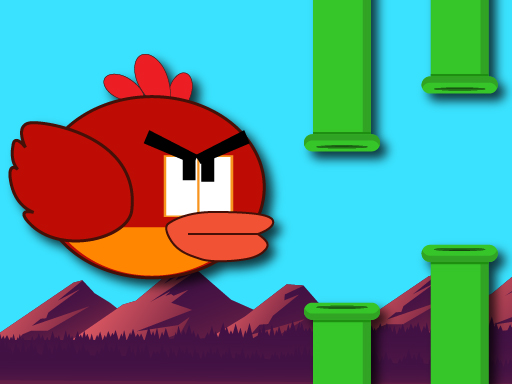
In Flappy Bird, click or tap to flap. Each press gives you a short lift, so let the bird fall between taps and look ahead to the next pipe. Try a steady rhythm through your first few gaps before speeding up. A run ends when you hit an obstacle, which makes it easy to retry and see whether a small change in timing helps.
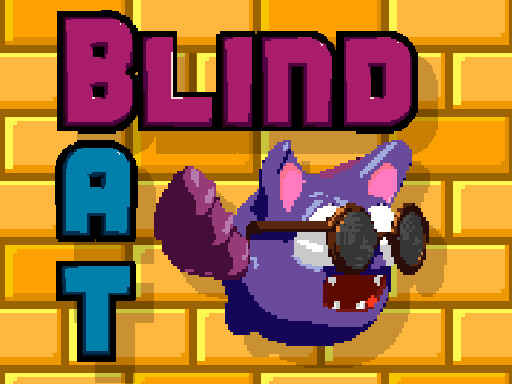
Blind Bat uses its single input for firing. Follow the shoot prompt in the player and time your shots as targets come into view. Save ammunition for a clear opportunity instead of firing as fast as you can. It is a different kind of timing challenge from Flappy Bird because the decision is when to spend a shot.
Share a keyboard for two-player games
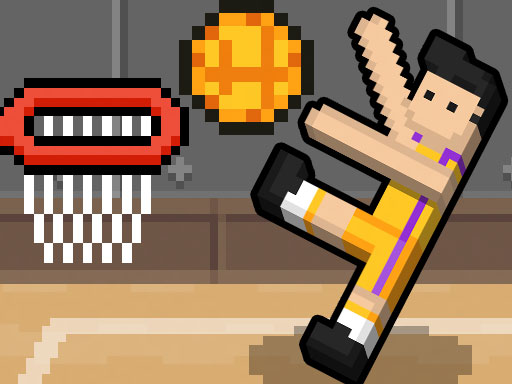
Choose Basket Random for a short basketball match. Player one presses W and player two presses Up Arrow. Wait until the ball comes into reach before hitting your key. The court, players, or ball can change from round to round, so pay attention to how the current round moves before trying the same timing again.
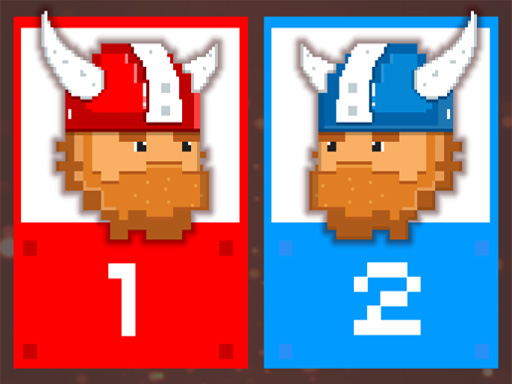
In 12 MiniBattles, give player one A and player two L. Read the prompt before each duel: the objective changes, and the same single press can mean a different action in the next round. It works well when two people are sitting at the same computer and want to switch challenges without learning a full set of controls.
Match the game to your input
On a phone or tablet, Flappy Bird is the easiest on this list to start with because its game instructions explicitly support taps. On a computer, the shared-keyboard games give each person a separate key. If pressing a key scrolls your browser instead of moving the game, click the game area once to give the player focus and try again.
For a wider selection, browse two-player games or open Online Game Hub Free.