




Pick a game for the way you want to play
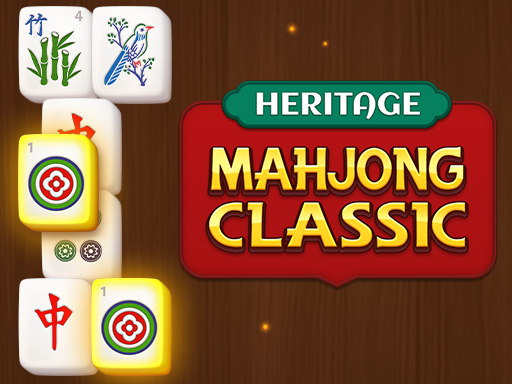
Start with Heritage Mahjong Classic if you want to make one move at a time. Tap two matching tiles that are free on the left or right. When a tile is buried, look for a pair that will uncover it. The board is a good choice when you want to play without holding the iPad in both hands.
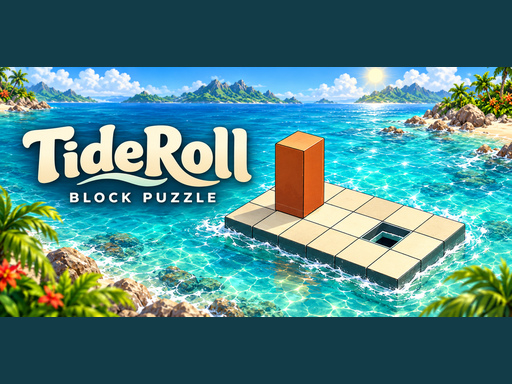
For a more active puzzle, try Bubble Shooter Panda Blast. Aim at bubbles of the same color, then release the shot to make a group of three or more. If you prefer working out where a piece will land, pick TideRoll: Block Puzzle. Its on-screen direction controls roll a rectangular block along narrow paths. Plan the last few moves so the block reaches the goal standing upright.
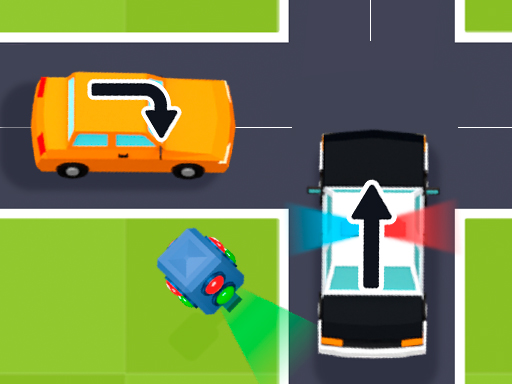
Traffic Tap Puzzle gives you a quicker tap-to-play round. Tap cars to start or stop them and wait for a clear crossing before sending traffic from another direction. For a game with a wider control layout, try Mini Soccer 3D. Use the virtual joystick to move and the on-screen buttons to pass or shoot.
Open a game in Safari
Choose a card to open its game page, then wait for the player or tap its start button if one appears. Give the player a moment to finish loading before trying the controls. The games on this page have on-screen inputs, so you can start with the iPad by itself. If the buttons feel crowded, rotate the tablet and see which orientation makes them easier to reach in that game.
If the player stays blank
Reload the game page once and wait for it to finish. On a slower connection or an older device, switch to a simple tap-based puzzle such as Mahjong before trying a 3D match again. Controls can look different from one game to the next, so use the buttons shown inside the player.
Browse the puzzle collection for more board games, or return to Online Game Hub Free to see the latest additions.